AI for Software Development: How It Transforms Every Phase of the SDLC
- Developers using GitHub Copilot completed tasks 55% faster in a controlled study of 95 professionals
- 76% of developers are using or planning to use AI tools, but 45% say they fail at complex tasks
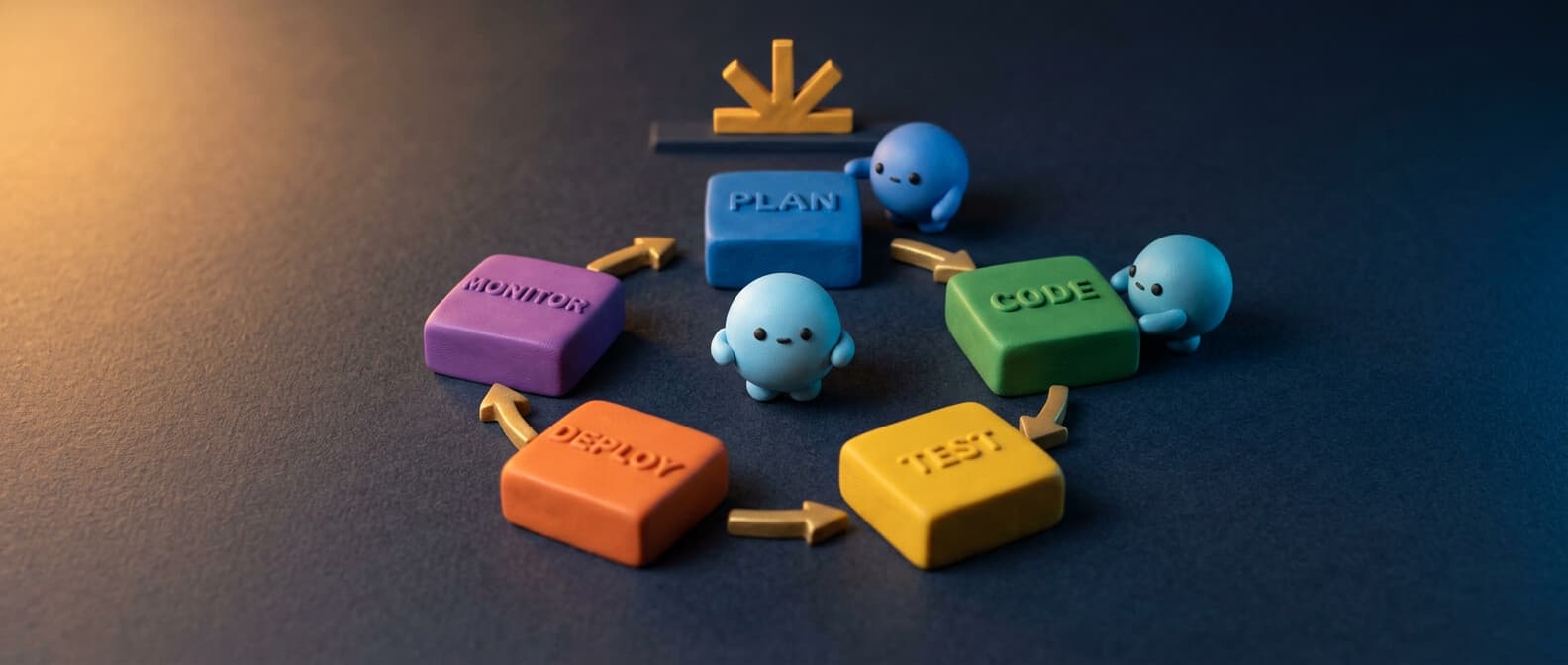
- AI transforms all six SDLC phases — planning, coding, testing, review, deployment, and monitoring
- Agentic tools like Claude Code and Codex CLI go beyond suggestions to implement entire features from a prompt
- Start adoption with coding assistants, then layer in AI testing, code review, and agentic workflows
AI in software development is bigger than code generation. Yes, GitHub Copilot can autocomplete your functions. ChatGPT can write you a React component. But the real transformation is happening across the entire software development lifecycle — from planning and design through testing, code review, deployment, and monitoring.
If you're a CTO evaluating AI adoption for your development teams, or a software engineering lead trying to figure out what's hype and what's real, this is the article. Real numbers, real tools, real limitations.
The productivity numbers you actually need
Let's start with data, because there's a lot of hand-waving in this space.
GitHub's controlled experiment with 95 professional developers found that those using GitHub Copilot completed tasks 55% faster (1 hour 11 minutes vs. 2 hours 41 minutes, P=.0017). The Copilot group also had a higher task completion rate: 78% vs. 70%.
Beyond speed, the same research found that 87% of developers said Copilot helped preserve mental effort during repetitive tasks, and 73% reported better flow state. These aren't vanity metrics — research shows that developer satisfaction directly correlates with performance.
The 2024 Stack Overflow Developer Survey puts it in broader context: 76% of developers are using or planning to use ai tools in their development process (up from 70% the prior year). 82% of those currently using AI use it for writing code. And 81% say increasing productivity is the primary benefit.
But here's the honest part: 45% of professional developers say AI tools are bad or very bad at handling complex tasks. The tools are great for boilerplate code and repetitive tasks. They struggle with nuanced architecture decisions and complex debugging across large codebases.
Phase 1: planning and design
AI's impact on the development process starts before anyone writes a line of code.
Requirements analysis. AI tools can analyze product requirements docs, user stories, and bug reports using natural language processing to identify ambiguities, missing edge cases, and conflicting requirements. Tools like Notion AI and GitHub Copilot Spaces help development teams organize and query project context across repositories and docs.
Architecture and prototyping. LLMs excel at generating initial architecture proposals when given constraints. Describe your system — "real-time messaging app, 10K concurrent users, event-driven backend" — and get a starting architecture with technology recommendations. This isn't a replacement for an experienced architect, but it's a powerful prototyping tool that compresses the decision-making cycle from days to hours.
Project management. AI-powered tools like Linear use machine learning models to auto-triage issues, predict sprint velocity, and suggest task prioritization. The optimization here is in reducing the overhead of project management itself — less time in meetings deciding what to build next, more time building.
Phase 2: coding (the obvious one)
This is where most people think ai for software development begins and ends. It's the most mature category, but there's more nuance than "install Copilot and write code faster."
Code generation and completion
The coding assistant landscape has three tiers:
Inline autocomplete — GitHub Copilot ($10/month for Pro, free tier available), Cursor, and VS Code with built-in AI provide code completion and code suggestions as you type. Copilot supports every major programming language — Python, Java, JavaScript, Go, Rust, and dozens more. It works directly in your IDE with real-time code snippets based on context.
Chat-based code generation — ChatGPT, Claude, and similar LLMs generate larger blocks of code from natural language descriptions. You describe what you want, get generated code back, and integrate it into your codebase. Useful for prototyping and problem-solving, but the ai-generated code always needs validation against your specific dependencies and patterns. Platforms like Replit offer ai-assisted development environments where you can generate and run code in one place.
Agentic coding tools — This is the frontier. Claude Code runs in your terminal, reads your entire codebase, makes edits across multiple files, runs commands, and handles git workflows. OpenAI's Codex CLI does similar work from the command-line. These ai agents don't just suggest — they implement. They can write code, run tests, fix failures, and commit — all from a single natural language prompt.
# Claude Code: build a feature end-to-end
claude "add user authentication with JWT tokens, write tests, and fix any failures"

# Codex CLI: refactor with context
codex "refactor the payment module to use the strategy pattern"
What AI coding is actually good at
- Boilerplate code. Test scaffolding, CRUD endpoints, data models, configuration files. AI handles these coding tasks in seconds.
- Language translation. Porting Python to Java, converting REST APIs to GraphQL schemas, migrating frontend frameworks.
- Code snippets and patterns. Standard algorithms, common functions, design pattern implementations.
- Documentation. Generating docstrings, README files, API docs from code.
What it's bad at
- Complex architecture decisions. AI will happily generate a monolith when you need microservices, or vice versa. The ai models don't understand your business constraints.
- Performance optimization. Generated code works but isn't optimized. A programmer still needs to profile and optimize hot paths.
- Security-critical code. AI-generated code can introduce vulnerabilities. Always run security scanners on ai-generated code — treat it like code from a junior developer.
Phase 3: testing
This is where AI's value per hour invested is arguably highest. Writing test cases is tedious, repetitive, and essential — exactly what AI excels at.
Unit test generation. Tools like GitHub Copilot, Claude Code, and Codium analyze your functions and generate comprehensive test cases, including edge cases that humans often miss. Point Claude Code at an untested module and say "write tests, run them, fix any failures" — and it does, iteratively.
Test case prioritization. Machine learning models analyze code changes and historical failure data to determine which test cases to run first. This is especially valuable in large codebases where running the full test suite takes hours. Smarter pipelines that focus on high-risk areas of the code based on the diff.
Visual regression testing. AI-powered tools compare frontend screenshots before and after code changes to catch visual bugs that unit tests miss. Tools like Percy use machine learning to distinguish meaningful visual changes from noise.
The key metric here: time from "code written" to "code validated." AI shrinks this dramatically by automating the most time-consuming part of the development workflow.
Phase 4: code review
Pull request reviews are a bottleneck in most development teams. AI is making them faster and more consistent.
Automated review. GitHub Copilot now reviews pull requests and provides suggestions on code quality, potential bugs, and style issues. It catches things like unused variables, potential null pointer errors, and inconsistent naming. This doesn't replace human code review — it handles the surface-level issues so humans can focus on architecture and logic.
Refactoring suggestions. AI tools identify opportunities for refactoring — duplicate code, overly complex functions, dependencies that could be simplified. This is one of the highest-value use cases because refactoring is the work that development teams know they should do but never have time for.
Security scanning. GitHub Advanced Security uses AI to automatically detect and suggest fixes for vulnerabilities in code changes. This catches issues before they reach production rather than after, which is dramatically cheaper.
Phase 5: deployment and DevOps
AI-driven deployment is about reducing the risk and effort of getting code to production.
CI/CD optimization. AI analyzes your pipelines to identify bottlenecks, suggest parallelization opportunities, and predict which builds are likely to fail. If your build pipeline takes 45 minutes, AI can identify the steps that could run in parallel and cut that to 20.
Infrastructure as code. AI generates Terraform, Kubernetes configs, and Dockerfile templates from descriptions. "Deploy this Python app to AWS ECS with auto-scaling, behind an ALB, with RDS Postgres" → complete IaC.
Deployment risk assessment. Machine learning models analyze the diff, test results, and historical deployment data to score the risk of each release. High-risk deployments get flagged for extra review or staged rollouts.
# AI-generated GitHub Action for safe deployment
name: Deploy with AI risk check
on:
  push:
    branches: [main]
jobs:
  deploy:
    runs-on: ubuntu-latest
    steps:
      - uses: actions/checkout@v4
      - name: AI risk assessment
        run: claude -p "analyze this diff for deployment risk" < <(git diff HEAD~1)
      - name: Deploy to staging
        if: success()
        run: ./deploy.sh staging
Phase 6: monitoring and maintenance
Post-deployment, AI shifts from creating code to watching it.
Log analysis and debugging. Pipe production logs into an AI agent and get real-time anomaly detection, root cause analysis, and suggested fixes. This turns a 2-hour debugging session into a 5-minute one. Claude Code and similar tools can analyze stack traces, cross-reference them with your codebase, and suggest the exact code changes to fix the issue.
Performance optimization. AI analyzes application metrics — response times, memory usage, database query performance — and recommends specific optimizations. "Your /api/users endpoint is slow because of an N+1 query in UserRepository.findAll()" is more useful than a dashboard showing latency spikes.
Dependency management. AI tools scan your repositories for outdated dependencies, known vulnerabilities, and compatibility issues. Dependabot and Renovate automate the pull request creation, and AI reviews validate that updates don't break anything.
Finding this useful?
The Spark newsletter covers AI development tools, agent frameworks, security research, and practical guides like this one — delivered weekly.
Completely free, unsubscribe anytime.
The CTO's framework for AI adoption
If you're considering team-wide AI adoption, here's the step-by-step approach that works:
What to watch out for
AI-generated code still needs review. The Stack Overflow survey found that only 43% of developers trust AI output accuracy. Use AI to accelerate, not to skip verification.
Don't use ai as a crutch for learning. Junior developers learn by writing code, making mistakes, and understanding why. If you use ai to write everything for a programmer who's still learning, you're optimizing for short-term speed at the cost of long-term competence.
Open-source and licensing concerns. AI models trained on public repositories may generate code that closely matches existing open-source code. Have a policy for scanning ai-generated code against license databases. GitHub Copilot's code referencing feature helps flag these matches.
Cost at scale. Copilot is $10/seat/month. But when you add Claude Code, ChatGPT Plus, Cursor Pro, and API costs for custom AI integrations — per-developer AI tooling costs add up. Budget accordingly, and measure ROI per tool, not just total spending.
The bottom line
AI for software development isn't replacing developers. It's helping streamline the worst parts of the development process — the boilerplate, the manual testing, the dependency updates, the repetitive coding tasks that drain energy and add no creative value across every programming language your team uses.
The teams that will win aren't the ones using the most generative ai tools. They're the ones using the right tools at the right phase of the lifecycle, with clear metrics and honest assessment of what AI does well and where a human software engineer is still irreplaceable.
Start with code generation. Expand to testing and review. Experiment with agentic tools for complex workflows. And always, always validate the output. The artificial intelligence is good, but it's not infallible. Your development teams still need to think.